Here’s a scenario every practice knows: you hire a new team member, but everyone is already stretched thin, so there’s no dedicated block of time to train them on the software. The new hire picks up Eaglesoft on the fly, learns the few things they need to survive the day, and never discovers the rest. Months or even years later, the practice is still using only a slice of what the system can do.
The good news is that you don’t need a formal training department to fix this. With a simple, repeatable approach and the resources you already have, you can onboard a new team member without grinding the office to a halt. Here’s how.
- Most teams use only a fraction of Eaglesoft, usually because no one was ever shown the rest.
- A single new hire rarely justifies a full training day, so it’s important to lean on resources that scale.
- Use Patterson’s built-in help, support line, and the huge online library of how-to videos.
- Encourage new hires to observe, write down questions, and look up answers.
- Capture what you learn in a simple reference binder or SOP so it isn’t lost when someone leaves.
- Remind the team that they can explore safely. Most things can be undone or corrected.
Why Most Teams Use Only a Fraction of Eaglesoft
It’s common to find practices that have run Eaglesoft for years and still use only a small part of it. The reason usually isn’t the software, it’s that no one was ever shown the rest. Teams learn just enough to get through the day, new people are onboarded informally, and useful features simply never come up. Naming this honestly is the first step, because it means the fix is training, not a new system.
👉 Eaglesoft Block Scheduling: The Underused Way to Protect the Doctor’s Day
Be Realistic About Training Time
Bringing in a trainer for the whole team is worthwhile now and then. But when you’re onboarding one new person, that’s rarely realistic. Instead of waiting for the perfect training day that never comes, build onboarding around resources a single person can use on their own time, in small pieces, without pulling everyone else off the floor.
The Resources You Already Have
A new team member has more help available than they might realize. Point them to these:
Resource | How a New Hire Uses It |
|---|---|
Built-in help and how-to sections | The software’s own help resources answer a lot of “how do I…” questions on the spot. |
Patterson support | When someone is truly stuck, a call to Patterson can walk them through a task. |
How-to videos online | There’s a large library of videos showing how to do just about anything in common dental software; a quick search often answers the question faster than asking a busy coworker. |
A teammate, briefly | A two-minute “can you show me this once” is fine; just don’t make one person the answer to every question. |
The mindset that ties these together is initiative. A new hire who gets in the habit of looking things up becomes self-sufficient far faster than one who waits to be taught.
A Simple Onboarding Routine That Works
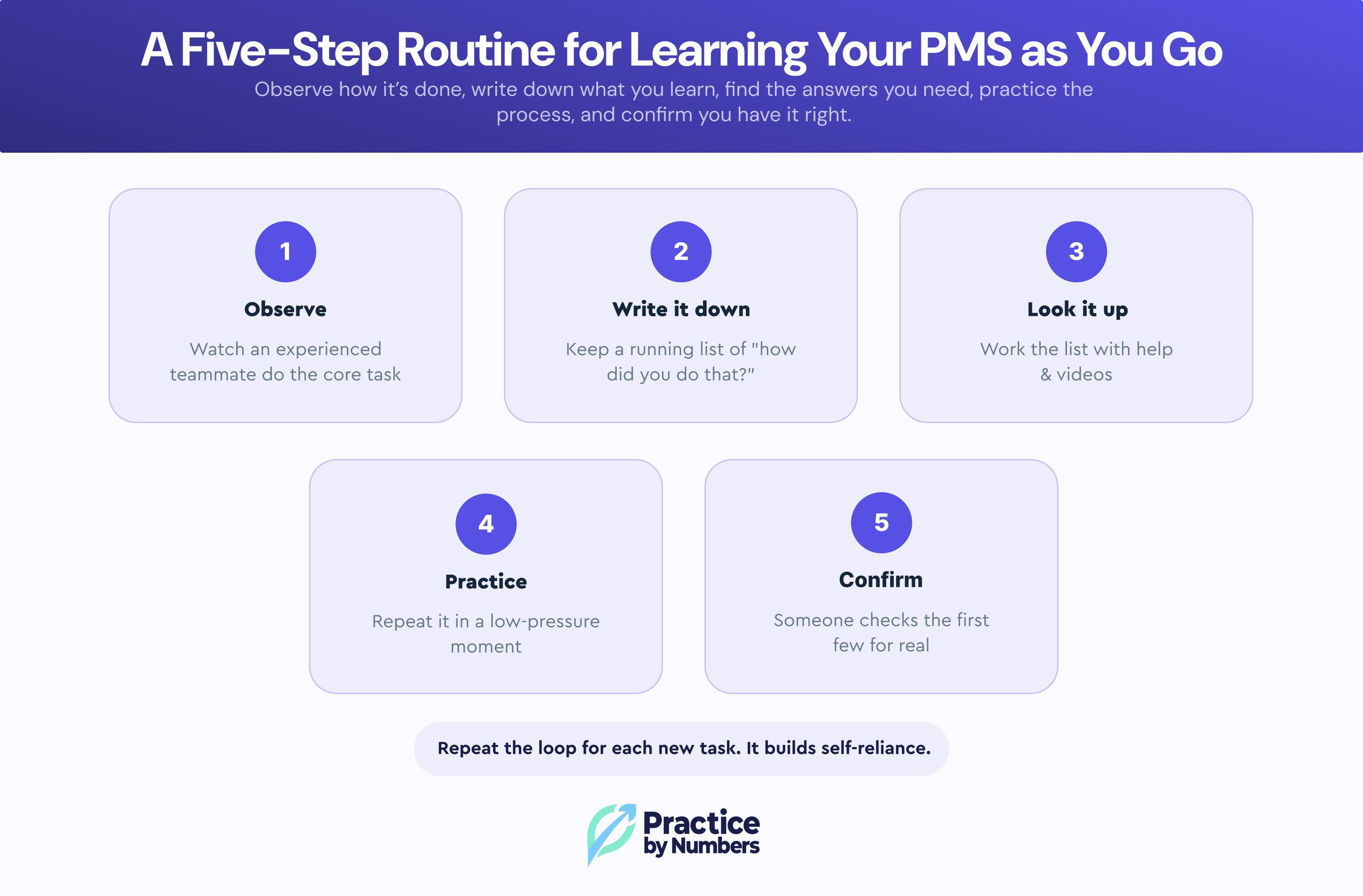
You don’t need a fancy program. A dependable routine for the first few weeks looks like this:
- Observe: have the new hire watch an experienced team member do the core tasks.
- Write it down: keep a running list of questions and “how did you do that?” moments.
- Look it up: work through the list using the help resources and videos above.
- Practice: repeat the task until it’s comfortable, in a low-pressure moment.
- Confirm: have someone check the first few times a new task is done for real.
It’s low-cost, it doesn’t depend on any one person’s schedule, and it builds a habit of self-reliance that pays off long after onboarding ends.
👉 See How to Fill Schedule Gaps Using Eaglesoft’s Quick Fill and Money Finder
Capture What You Learn So It Doesn’t Walk Out the Door
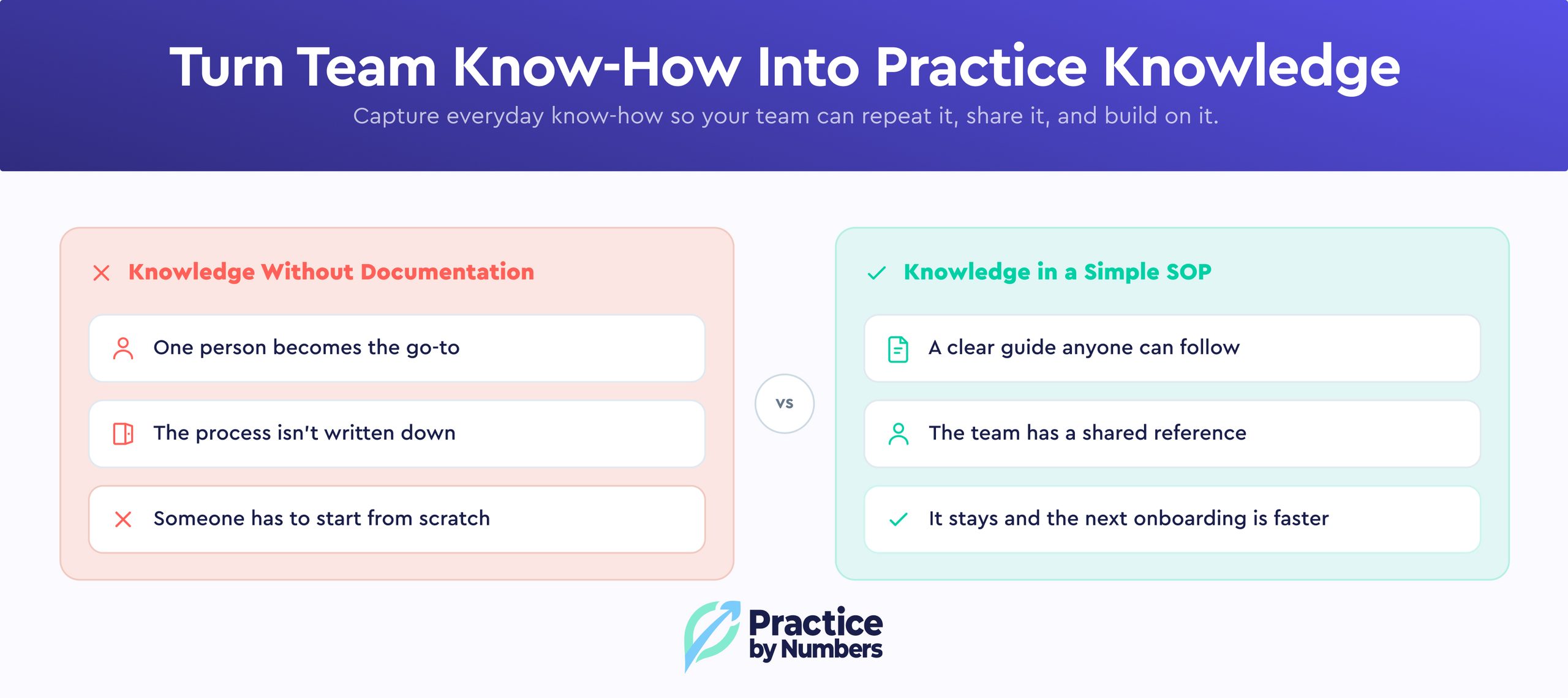
One of the smartest things a team can do is write down its own answers. When someone figures out how to handle a tricky task, a common insurance question, or a step that’s easy to forget, put it in a shared reference, a simple binder, or a set of short standard operating procedures (SOPs).
Teams sometimes resist documenting software steps because they assume the process is already built into the system. But a plain-language cheat sheet can capture the specific way your office handles those tasks. It keeps that knowledge in the practice when team members move on and gives the next person a clear reference to speed up onboarding.
Let People Explore Without Fear
A lot of hesitation comes from worrying about breaking something. Reassure new team members that they can explore the system safely. A well-set-up system keeps important parameters locked down, and most everyday actions can be undone or corrected if someone makes a mistake. Encourage them to click around, see where things live, and learn how the software works.
When people feel comfortable exploring, they learn the software much faster than when they only repeat the two or three tasks someone showed them on day one.
How Practice by Numbers Fits Alongside Eaglesoft
Training pays off in results, from smoother daily workflows and cleaner data to more consistent processes across the team. Practice by Numbers connects with Eaglesoft and brings key practice information, including production, collections, recall, and scheduling, into one live view that the whole team can access.
When your team uses Eaglesoft consistently and follows established processes, the resulting data becomes more reliable and useful for understanding practice performance. PbN makes that information easier to review, helping teams see important trends, monitor progress, and identify areas that need attention without switching between multiple reports. Together, Eaglesoft and Practice by Numbers help turn consistent team practices into clearer visibility and more informed day-to-day decisions.