Dental software platforms advertise dozens of features. Not all of them matter equally. Some are essential from day one. Others are nice to have. And some sound impressive in a demo but rarely get used in practice.
The challenge for many practices is that software evaluations often focus on flashy interfaces instead of operational outcomes. A modern platform should help reduce administrative burden, improve collections, optimize scheduling, and give leadership visibility into practice performance.
This guide separates the must-haves from the extras so you can evaluate software based on what actually impacts your daily operations and bottom line.
TL;DR
Choosing dental office software is not about finding the platform with the longest feature list. It is about identifying the tools that directly improve scheduling efficiency, patient experience, collections, and operational visibility.
At a minimum, every dental clinic software platform should include:
- Appointment scheduling with automated reminders
- Clinical charting and treatment planning
- Insurance and claims management
- Centralized patient records
The features that elevate a platform from functional to transformational include:
- Real-time analytics and reporting
- Integrated patient communication
- Revenue cycle automation
- Multi-location management support
Nice-to-have tools like telehealth, mobile apps, and marketing automation can add convenience, but they should not outweigh operational fundamentals during software selection.
Dental Software Features You Cannot Run a Practice Without
Some tools directly impact scheduling efficiency, collections, patient flow, and provider productivity every single day.
These foundational features are considered non-negotiable because they support the core workflows that keep a dental practice functioning efficiently. If any of these systems are weak, the operational impact is felt almost immediately across the practice.
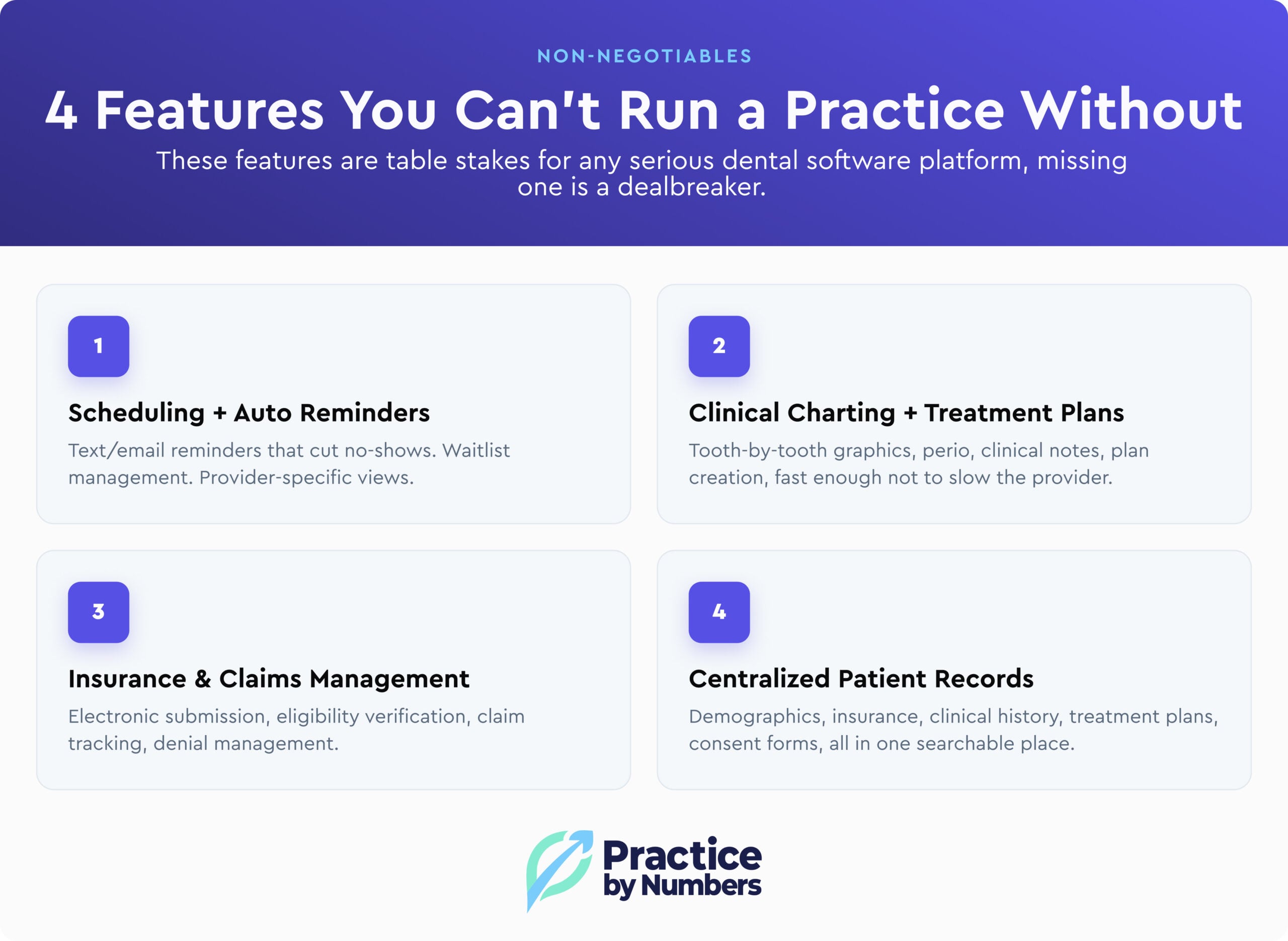
1. Appointment Scheduling with Automated Reminders
Every dental software platform includes scheduling. What separates good from basic is automation, such as text and email reminders that reduce no-shows, waitlist management that fills cancellations, and provider-specific calendar views that optimize chair time.
What to Look For
- Automated text and email reminders
- Online booking and recall scheduling
- Waitlist automation
- Provider and operatory scheduling views
- Real-time schedule visibility
Why It Matters
Missed appointments directly impact production. Automated scheduling tools reduce no-shows, improve chair utilization, and decrease front desk workload.
2. Clinical Charting and Treatment Planning
Digital charting with tooth-by-tooth graphics, perio recording, clinical notes, and treatment plan creation is fundamental. The charting module should be fast enough that it does not slow down the provider during a patient visit.
What to Look For
- Odontogram and perio charting
- Clinical note templates
- Imaging integration
- Digital consent forms
- Customizable treatment workflows
Why It Matters
Slow charting creates bottlenecks across the entire schedule. Efficient charting improves provider productivity, documentation consistency, and patient flow.
3. Insurance and Claims Management
Electronic claim submission, eligibility verification, claim tracking, and denial management. This feature directly affects cash flow. Software that scrubs claims for errors before submission and tracks claim status in real time prevents the revenue leakage that manual billing creates.
What to Look For
- Real-time eligibility verification
- Automated claim scrubbing
- Electronic attachments and ERA support
- Claim status tracking
- Denial management workflows
Why It Matters
Efficient claims processing reduces billing errors, shortens reimbursement cycles, and improves collection consistency.
4. Patient Records and Document Management
A centralized patient record that stores demographics, insurance information, clinical history, treatment plans, consent forms, and communication history. Everything about a patient should live in one searchable place.
What to Look For
- Unified patient timelines
- Integrated document and imaging storage
- Communication history tracking
- Secure role-based access
- Searchable patient records
Why It Matters
Centralized records improve team coordination, reduce administrative duplication, and create a more consistent patient experience.
Features That Separate Great Software from Good Software
Once the basics are covered, advanced features help practices improve efficiency, automate repetitive tasks, and make smarter operational decisions. These capabilities are often what distinguish modern platforms from legacy systems.
1. Real-Time Analytics and Reporting
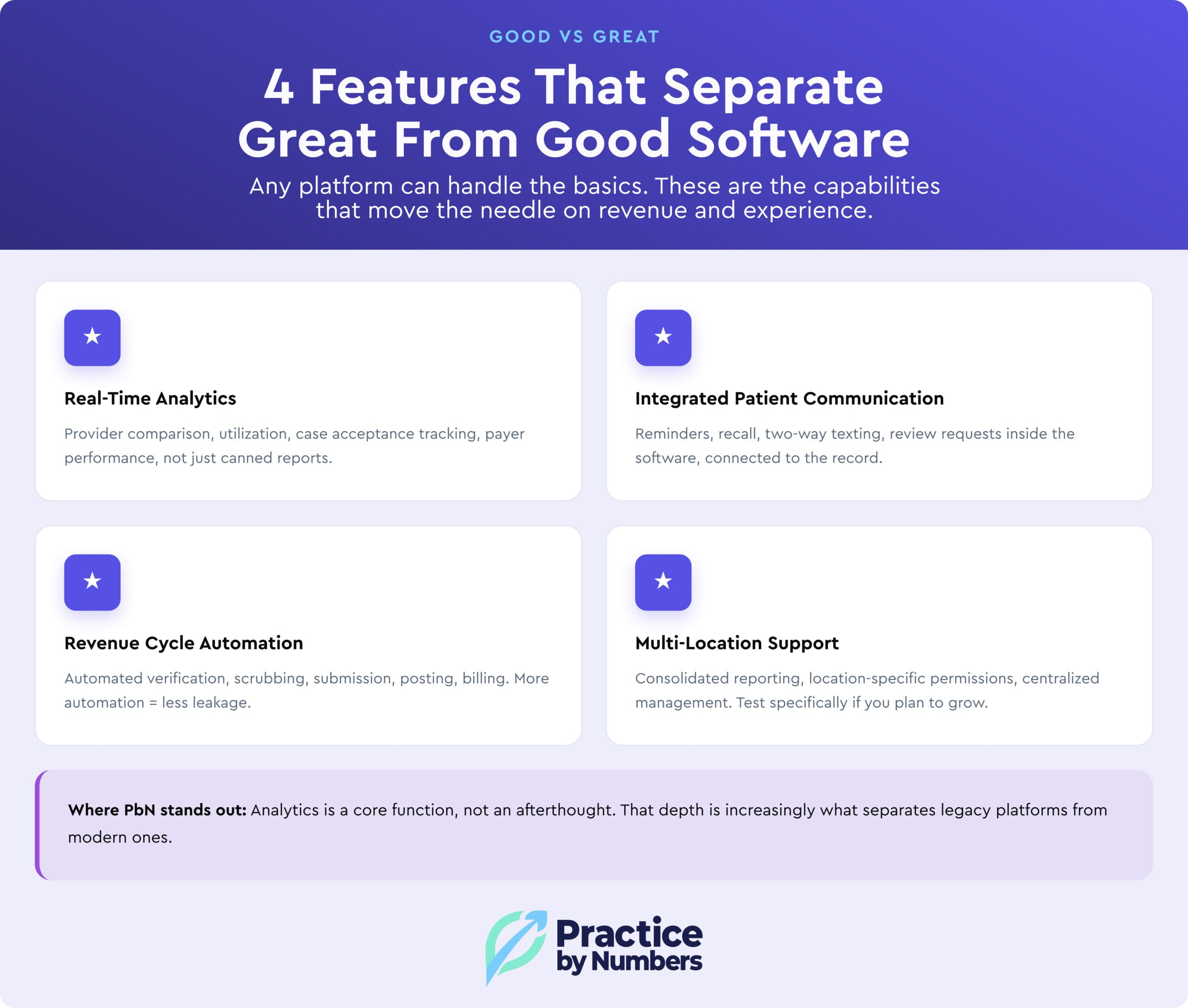
Basic reporting (production, collections, AR aging) is table stakes. Advanced analytics, such as provider comparison, scheduling utilization, case acceptance tracking, payer performance, and trend analysis, give practice owners the data they need to make strategic decisions rather than just reviewing what already happened.
Platforms like Practice by Numbers are built around analytics as a core function rather than an afterthought.
What to Look For
- Real-time KPI dashboards
- Provider and location comparisons
- Case acceptance tracking
- Schedule utilization reporting
- Revenue trend analysis
Why It Matters
Strong analytics help practices identify inefficiencies, improve profitability, and make data-driven operational decisions.
👉 See How Dental Practice Analytics Improve Revenue, Retention, and Operational Control
2. Integrated Patient Communication
A communication module that handles appointment reminders, recall messages, two-way texting, review requests, and patient marketing from within the software. Practices using separate communication tools create extra work and risk miscommunication.
What to Look For
- Two-way texting
- Automated recall campaigns
- Review requests
- Digital forms and intake
- Integrated communication history
Why It Matters
Integrated communication improves patient engagement, reduces missed follow-ups, and minimizes front office workload.
3. Revenue Cycle Automation
Automated insurance verification, claim scrubbing, claim submission, payment posting, and patient billing. Each of these steps can be automated to some degree. The more automation, the fewer manual touches, the fewer errors, and the faster the cash flow.
What to Look For
- Automated eligibility checks
- Online bill pay
- Automated patient statements
- Payment plan support
- Auto-posted insurance payments
Why It Matters
Automation improves collections, reduces manual work, and creates more predictable revenue cycles.
👉 See How You Can Streamline Collections and Cash Flow
4. Multi-Location Support
For group practices and DSOs, the software must support multiple locations with consolidated reporting, location-specific permissions, and centralized management. Not all platforms handle this well — it is worth testing specifically if you operate or plan to operate more than one location.
What to Look For
- Consolidated enterprise reporting
- Cross-location scheduling visibility
- Role-based permissions
- Shared patient records
- Centralized operational oversight
Why It Matters
Scalable software supports long-term growth and prevents operational fragmentation across locations.
👉 Learn How to Secure Access Across Your Practice: A Guide to Enterprise Security
Features That Are Nice to Have
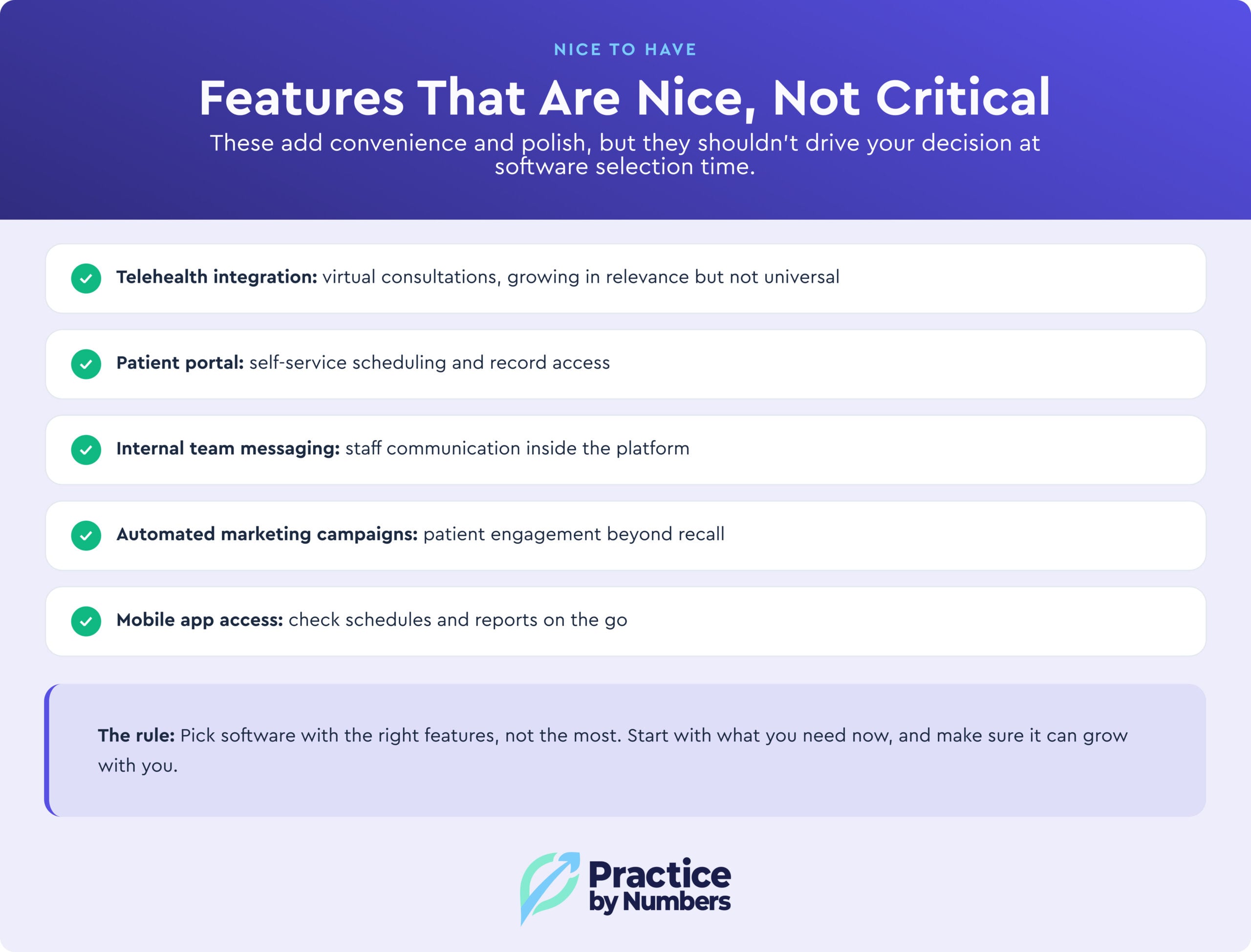
Some features improve convenience and patient experience but are not critical during the initial software selection process. These tools become more valuable as practices grow and operational needs become more complex. Some of these include:
- Telehealth integration for virtual consultations
- Patient portal for self-service scheduling and record access
- Internal team messaging for staff communication
- Automated marketing campaigns for patient engagement beyond recall
- Mobile app access for checking schedules and reports on the go
These features add convenience and can improve the patient experience, but they are not dealbreakers for most practices during initial software selection.
👉 Discover How to Build a Dental KPI Dashboard That Drives Action
Key Takeaways
- Scheduling, charting, claims management, and patient records are essential dental software features.
- Analytics, communication tools, and automation separate modern platforms from outdated systems.
- Multi-location support is critical for scaling practices and DSOs.
- Evaluate dental office software based on operational impact, not feature count alone.
- Focus on fundamentals first; additional features can often be added later.
Frequently Asked Questions
Q. Should I choose software with the most features?
No. Choose software with the right features for your practice. Extra features you do not use add complexity and cost without value. Start with what you need now and ensure the platform can grow with you.
Q. How important is mobile access?
Increasingly important. Practice owners and managers benefit from checking schedules, production numbers, and critical alerts from their phone. It is not a dealbreaker, but it is rapidly becoming a baseline expectation.
Q. Can I add features later or do I need everything upfront?
Most modern platforms offer modular pricing so you can start with core features and add modules (analytics, marketing, patient portal) as your practice grows. On-premise legacy systems are often less flexible with modular add-ons.