Dental records are both a clinical necessity and a legal requirement. They document every diagnosis, treatment, communication, and financial transaction associated with a patient. For practice administrators, managing these records, keeping them accurate, accessible, compliant, and secure, is a daily responsibility that directly impacts patient safety, billing accuracy, and legal protection.
This guide covers the essentials of dental record management, the compliance requirements administrators need to know, and the software tools that make the job manageable.
TL;DR
- Dental records include clinical notes, treatment plans, imaging, billing information, consent forms, and patient communications.
- Effective dental record keeping supports patient care, insurance reimbursement, legal protection, and operational efficiency.
- HIPAA, state retention laws, and OSHA regulations all influence how records must be managed.
- Modern dental practices rely on practice management software, imaging platforms, document management systems, and backup solutions.
- Centralized digital workflows reduce administrative burden and improve record accessibility.
- Analytics and operational tools can help administrators identify documentation gaps, monitor collections, improve workflows, and maintain data integrity.
Why Dental Record Management Is Critical to Practice Success
Dental records are far more than a collection of charts and treatment notes. They are the foundation of patient care, financial operations, regulatory compliance, and risk management.
Every diagnosis, treatment recommendation, consent form, insurance claim, patient communication, and payment transaction creates a record that may need to be accessed months or even years later.
For dental practice administrators, effective dental patient management means ensuring records are:
- Complete and accurate
- Easily accessible
- Properly secured
- Compliant with regulations
- Retained according to legal requirements
Poor record management can lead to treatment delays, denied insurance claims, compliance violations, lost revenue, and legal exposure. Conversely, a well-organized record management system improves efficiency across the entire practice.
This guide explains what dental records include, why they matter, the compliance requirements administrators must understand, and the software tools that help modern practices manage records effectively.
👉 Here are 10 Dental Practice Management Tips Every Office Should Try
What Dental Records Include
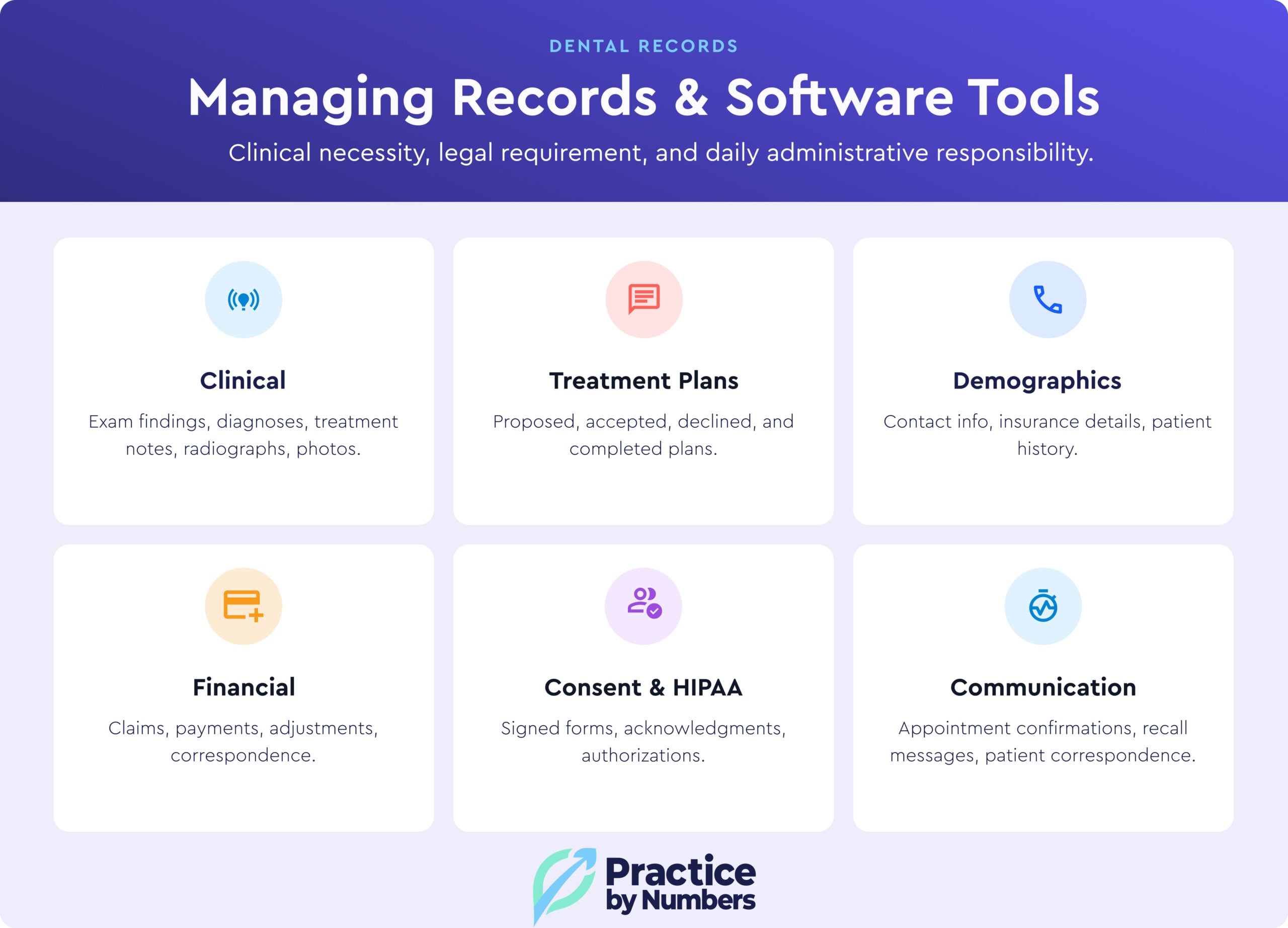
Dental records encompass far more than clinical treatment notes. They represent the complete history of a patient’s relationship with the practice. Core components of a dental patient record typically include:
- Clinical documentation: This includes exam findings, diagnoses, treatment notes, X-rays, photographs, and other clinical observations. These records provide the foundation for ongoing patient care and treatment decisions.
- Treatment plans: Treatment records document recommended procedures, accepted treatment, declined services, and completed care. They help track patient progress while providing important legal and clinical documentation.
- Patient demographics and contact information: Accurate patient information includes contact details, medical history updates, emergency contacts, and insurance information. Keeping this data current supports communication, scheduling, and billing accuracy.
- Insurance and billing records: Claims, payments, adjustments, and insurance correspondence all form part of the patient record. Proper documentation helps reduce claim denials and supports faster reimbursement.
- Consent forms and HIPAA acknowledgments: These records confirm that patients have received required disclosures and consented to treatment. They play a critical role in compliance and risk management.
- Communication logs: Appointment confirmations, recall reminders, emails, text messages, and call notes should all be documented. These records help ensure continuity and provide evidence of patient outreach efforts.
- Referral letters and specialist reports: Records from referring providers and specialists help create a complete clinical picture. Maintaining these documents supports coordinated care and informed treatment planning.
In a modern practice, these pieces often live across several systems like practice management software, imaging platforms, communication tools, and sometimes paper files. The administrator’s role is to ensure every record remains complete, accurate, and easily accessible when needed.
👉 Explore The Complete Guide to AI in Dentistry
Why Record Management Matters Beyond Compliance
Many administrators view record keeping primarily as a compliance requirement. While compliance is important, strong record management creates significant operational and financial advantages.
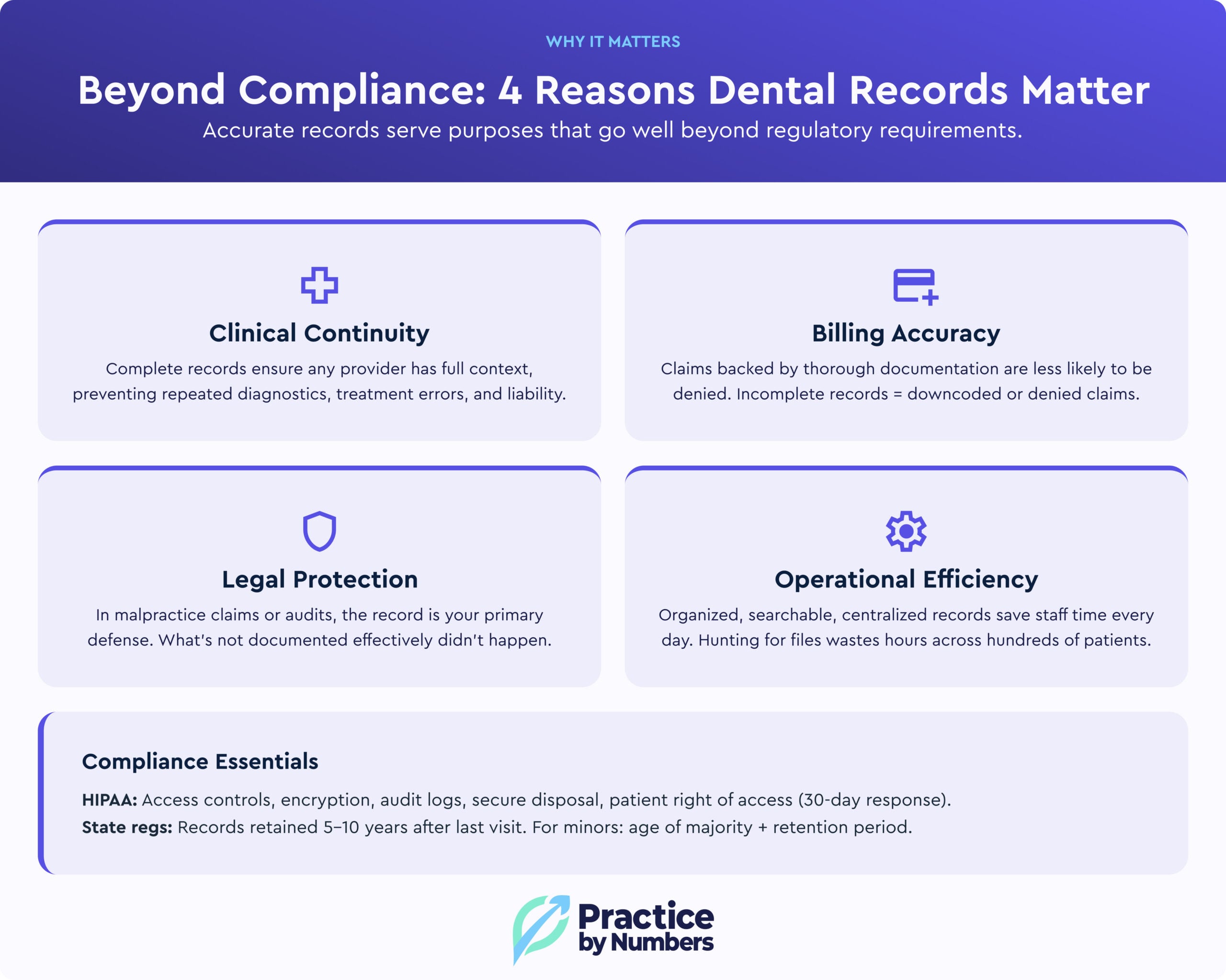
1. Clinical Continuity and Better Patient Care
Patients frequently:
- Move between providers
- Return after long periods away
- Receive specialty treatment
- Transfer between locations
Complete records allow providers to understand the patient’s history quickly and confidently.
Without adequate documentation, practices may face:
- Repeated diagnostics
- Delayed treatment
- Inconsistent recommendations
- Increased risk of clinical errors
Accurate records help ensure every provider works from the same information.
2. Improved Billing Accuracy and Revenue Capture
Documentation directly impacts reimbursement.
Insurance carriers routinely request supporting records when evaluating claims. Missing or incomplete documentation often leads to:
- Claim denials
- Downcoding
- Delayed payments
- Increased administrative workload
Comprehensive documentation helps support:
- Medical necessity
- Procedure coding
- Claim appeals
- Audit responses
Strong record-keeping protects revenue while reducing the time teams spend resolving insurance issues.

3. Legal Protection and Risk Reduction
One of the most important functions of a dental record is legal defense. In the event of:
- Patient complaints
- Board investigations
- Insurance audits
- Malpractice claims
The dental record becomes the primary source of evidence. A common legal principle applies:
If it wasn’t documented, it may be difficult to prove it happened.
Thorough records demonstrate:
- Appropriate diagnosis
- Treatment recommendations
- Patient consent
- Follow-up efforts
- Clinical decision-making
Well-maintained documentation can significantly reduce legal risk.
4. Greater Operational Efficiency
Administrative inefficiencies often stem from poor record organization. Teams lose valuable time searching for:
- Missing X-rays
- Old consent forms
- Previous treatment plans
- Insurance documentation
When records are centralized and searchable, staff can:
- Respond faster to patients
- Resolve insurance issues more quickly
- Reduce duplicate work
- Improve front-office productivity
Small time savings multiplied across thousands of patient interactions create meaningful operational improvements.
Compliance Requirements for Dental Records
Dental administrators must navigate multiple regulatory requirements governing patient information.
HIPAA
HIPAA governs how patient information is stored, accessed, shared, and disposed of. Key requirements include access controls (who can view and change records), encryption for electronic records, audit logs tracking who saw what and when, secure disposal of records, and giving patients access to their records when they ask (within 30 days).
State Regulations
How long you must keep records varies by state. Most require dental records to be kept for at least 5 to 10 years after the last visit. For minors, records usually must be kept until the patient reaches adulthood plus the standard period. Know your state’s rules and keep a retention schedule.
OSHA
OSHA mostly focuses on workplace safety, but certain employee health records (like exposure incidents) must be kept as part of a practice’s compliance duties.
Software Tools for Dental Record Management
Managing records manually becomes increasingly difficult as practices grow. Modern dental administration software helps streamline record management while improving accessibility and compliance.
1. Practice Management Software (PMS)
The PMS serves as the central hub for most patient information.
A modern PMS typically manages:
- Patient demographics
- Clinical notes
- Scheduling
- Treatment plans
- Insurance information
- Billing records
- Communication history
Popular platforms include:
- Dentrix
- Eaglesoft
- Open Dental
- Curve Dental
- Dentrix Ascend
The most effective systems reduce the need to switch between multiple platforms.
2. Analytics and Operational Intelligence Platforms
Beyond storing records, many practices now use analytics platforms to improve operational visibility and identify workflow issues. For example, Practice by Numbers (PbN) is not a record storage system itself but an operational and analytics platform that integrates with leading practice management systems. It provides visibility into practice performance through business analytics, customizable dashboards, patient communication tools, digital forms, insurance verification workflows, and operational automation.
Administrators can use these insights to identify documentation gaps, monitor collections, track patient engagement, improve workflow efficiency, and support data-driven decision-making across the practice.
Rather than replacing a PMS, these platforms help administrators make better use of the data already captured within existing systems.
3. Imaging Software
Dental imaging systems manage diagnostic records such as:
- Digital radiographs
- Panoramic images
- CBCT scans
- Clinical photography
The best imaging platforms integrate directly with the PMS, allowing providers to access images from the patient record without switching systems.
Benefits include:
- Faster retrieval
- Improved documentation consistency
- Reduced duplication
- Better patient presentations
4. Document Management Systems
Many documents originate outside the clinical workflow.
Examples include:
- Referral letters
- Consent forms
- Financial agreements
- HIPAA acknowledgments
Document management systems help practices:
- Digitize paper records
- Organize files consistently
- Improve searchability
- Maintain version control
When integrated properly, documents become part of the patient’s permanent digital record.
5. Digital Forms and Patient Intake Platforms
Digital intake tools have become increasingly important for administrative efficiency. Benefits include:
- Reduced paper handling
- Fewer data-entry errors
- Faster check-in processes
- Improved patient experience
Many modern solutions automatically transfer patient-submitted information into the PMS, reducing duplicate work and improving record accuracy.
6. Backup and Disaster Recovery Systems
Data protection is a critical component of dental record management. Practices should prepare for:
- Hardware failure
- Ransomware attacks
- Natural disasters
- Human error
Cloud-Based Systems
Cloud-based platforms generally provide:
- Automated backups
- Redundant storage
- Disaster recovery protections
- Vendor-managed security
On-Premise Systems
Practices using local servers must establish:
- Backup schedules
- Offsite storage
- Recovery testing procedures
- Security monitoring
Without a reliable backup strategy, years of patient records could be at risk.
👉 Learn How to Secure Access Across Your Practice: A Guide to Enterprise Security
Best Practices for Dental Record Management
Strong record management depends as much on process as it does on technology. To improve accuracy, compliance, and efficiency:
- Standardize documentation with clear protocols for clinical notes, treatment records, patient communications, and consent forms.
- Audit records regularly to identify missing documentation, unsigned notes, and insurance-related gaps before they create larger issues.
- Train the entire team on documentation standards, privacy requirements, security protocols, and compliance responsibilities.
- Reduce paper-based workflows by digitizing forms and records to improve accessibility, security, searchability, and disaster recovery preparedness.
Consistent practices help ensure records remain accurate, complete, and compliant across the organization.