Andre Shirdan has been in a dental office almost every week since 1989. He learned Eaglesoft back when there were no trainers, when you called the people who wrote the software and figured it out yourself. Forty years in, he coaches practices around the country through his company, The Crew Process.
In a recent episode of the Practice Pulse Podcast with Dr. Aditi Agarwal, he described Eaglesoft in a way that stuck.
“I look at Eaglesoft like the Toyota Camry of practice management software. It’s there. It’s not fancy. It’s not supposed to be fancy. It’s just supposed to be there and do the things that you need it to do.“
– Andre Shirdan
That’s a very different way to think about choosing software.
The Shiny Penny Problem
Andre’s read on why so many practices struggle with their software is simple.
“The biggest issue with practice management software is people want the shiny penny. They want something new and they want something fancy. But I want something that just works.”
– Andre Shirdan
You can see this play out in a dozen small ways. A practice hears about a competitor’s flashy feature. A new hire mentions the system they used at their last office. A sales rep demos something that looks slicker than what’s on the front desk screen. Suddenly a system that runs the practice fine every day starts to feel dated.
The problem is that “works fine every day” is the whole job. A practice management system runs your schedule, your charting, your claims, and your collections. When it does that reliably, it has already earned its keep. The excitement of a new feature rarely changes daily production. The disruption of a bad switch almost always does.
How Practices Break Their Own Software
Here’s the part that surprises people. Most software problems come from how the system gets used. Andre sees it constantly when someone joins from another practice.
“They go, well, the way we did it in our old software. And then they start introducing new ways of doing things which doesn’t fit the way the software was designed.”
– Andre Shirdan
Every system expects you to work a certain way. Work against that, and you get error messages, workarounds, and charts that slowly fill with junk. Andre puts it plainly about his own experience:
“I don’t see the error messages that people see because I just use it the way it’s supposed to make it work.”
For a practice owner, this is a useful gut check. Before you decide your software is failing you, ask whether your team is using it the way it was built to be used, or the way three previous offices used three different systems.
The Best Software Is the One Everyone Knows
Andre has a favorite line for owners weighing a switch:
“The best practice management software is the one that everybody’s trained on and everybody uses. Other than that, they’re all terrible.”
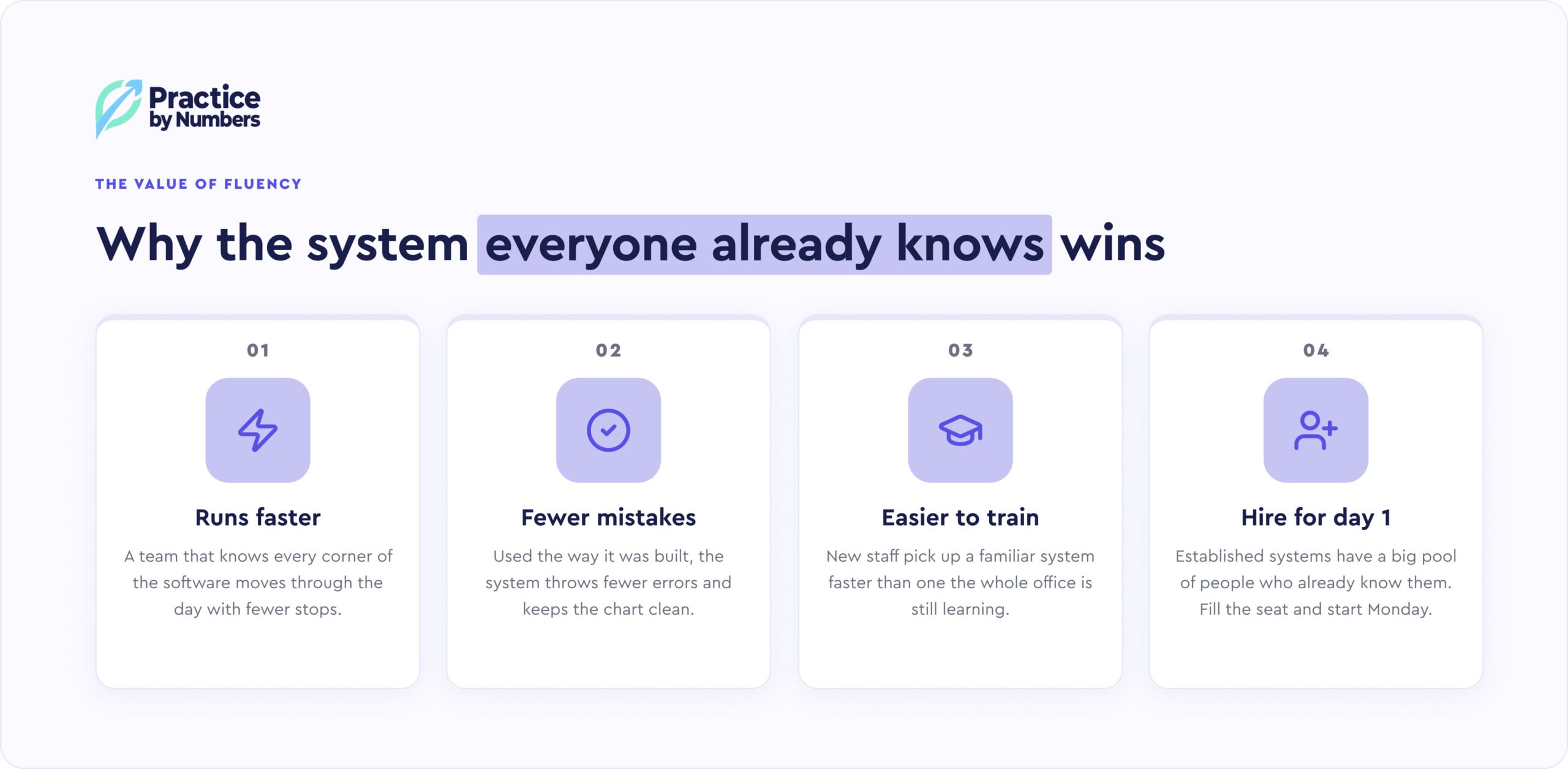
He’s half joking. He’s also making a real point. Software value comes from fluency. A team that knows every corner of a system runs faster, makes fewer mistakes, and trains new hires more easily than a team that is six months into learning something new and shiny.
There’s a hiring angle here too. Systems that have been around for years have a large pool of people who already know them. When you’re trying to fill a front desk seat, hiring someone who can start on day one instead of week six has real value. Reliability compounds in ways that don’t show up in a feature comparison chart.
When “It Can’t Do That” Turns Out to be Wrong
One of the most common reasons practices consider switching is a belief that their current system can’t do something they need. Andre hears it all the time, and he pushes back.
“I find offices all the time who call me and say, we’re considering making a change. And they say, Eaglesoft can’t do dot, dot, dot. And I say, have you tried this? And when they see that they can do it, they realize, wow, I almost made this huge investment in time and effort on a new software where Eaglesoft already did what I wanted to do, but I just didn’t know it could.”
– Andre Shirdan
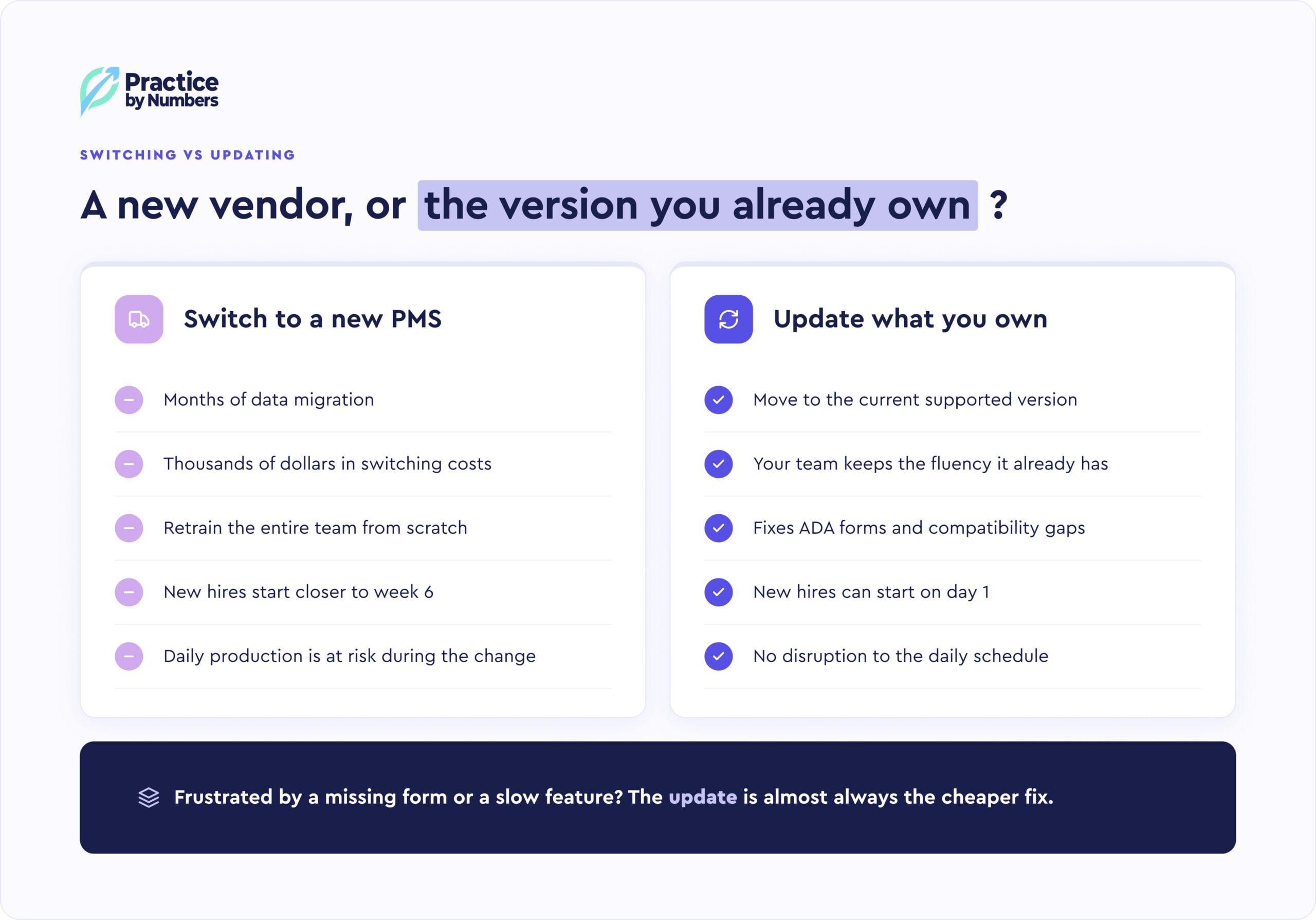
That’s an expensive gap. A practice can spend months and thousands of dollars migrating to a new system to get a capability the old one already had. Before you shop, it’s worth having someone who truly knows your software confirm what it can and can’t do. The answer is often “it can, here’s how.”
Old Versions Cause Real Problems, And That’s a Different Issue
None of this means you should run a decade-old copy of your software forever. Andre draws a clear line between switching systems and keeping your current one current.
“A lot of people have that 2015 Toyota Camry. And they’re mad because it doesn’t have Bluetooth. Okay, well, now you can go to the 2026 Toyota Camry, which is fine.”
– Andre Shirdan
The practical version of this shows up with compliance.
“There’s a lot of people who are using Eaglesoft and have an old version, but they can’t submit on the new ADA form because it’s not compatible with the old version. They have to convert with the existing software that they have before they go looking for something else.”
– Andre Shirdan
The fix there is an update, not a new vendor. If your frustration is a missing form, a slow feature, or a compatibility gap, the cheapest path is almost always to move to the current version of what you already own. Systems like Eaglesoft prompt you toward updates for exactly this reason. Dr. Aditi Agarwal, an Eaglesoft user in her own practice for 18 years, said the same on the episode: the reminders to update, and the training that comes with it, are part of what has kept the software working for her over that time.
Reliability Is a Feature
The reason a reliable system feels boring is that it asks nothing of you. It starts. It runs. It’s there.
Andre’s community of Eaglesoft users is built around getting more out of that reliability, especially for practices doing work that isn’t “middle of the road,” like biologic dentistry or airway cases. The software holds up. The users share what they’ve figured out. Support answers the phone. That’s not a story that sells a demo, and it’s exactly what an owner wants at 8 a.m. on a full schedule.
What This Means for Your Practice
If your software runs your day without drama, that’s the goal. You’re not behind.
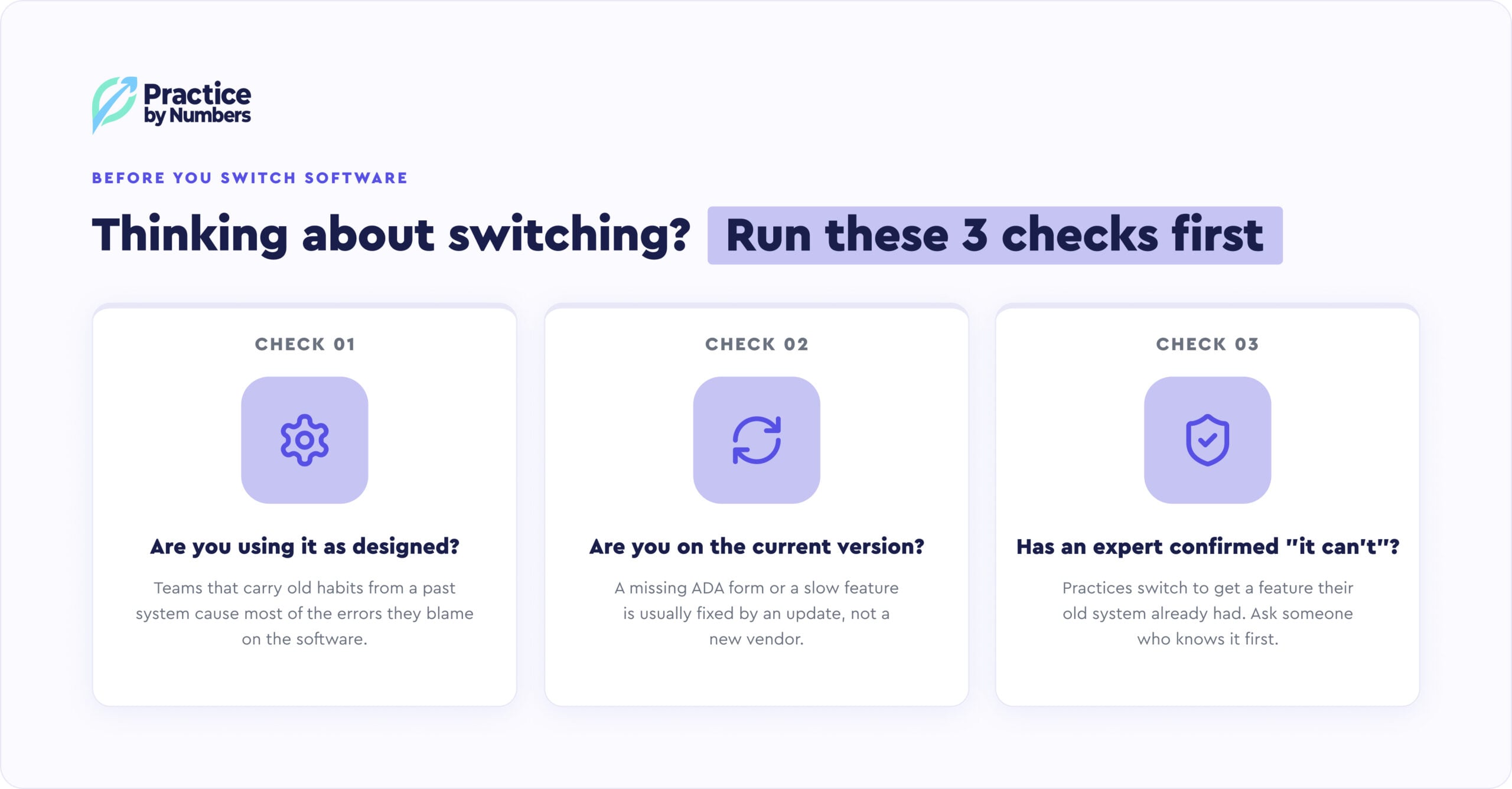
Before you chase a new system, run three checks. Is your team using the software the way it was designed? Are you on a current, supported version? And when someone says “it can’t do X,” has an expert actually confirmed that?
Most of the time, the system you have can carry the practice further than you think.
As Andre puts it:
“If the software works, there is no reason to change it.”