One question should come before price, ease, or familiarity when you pick practice management software: what do you want this practice to become? Andre Shirdan and Dr. Aditi Agarwal kept returning to it on a recent Practice Pulse podcast episode.
Andre has coached dental offices for 40 years. Dr. Agarwal built Practice by Numbers and runs her own practice. Both have watched owners choose software for the practice they had, then outgrow it. The gap shows up years later, and it’s expensive to fix.
Here’s how to think it through before you buy.
Start With Your Vision
Your software will run everything, so it should match where you’re going.
Andre frames it around trajectory.
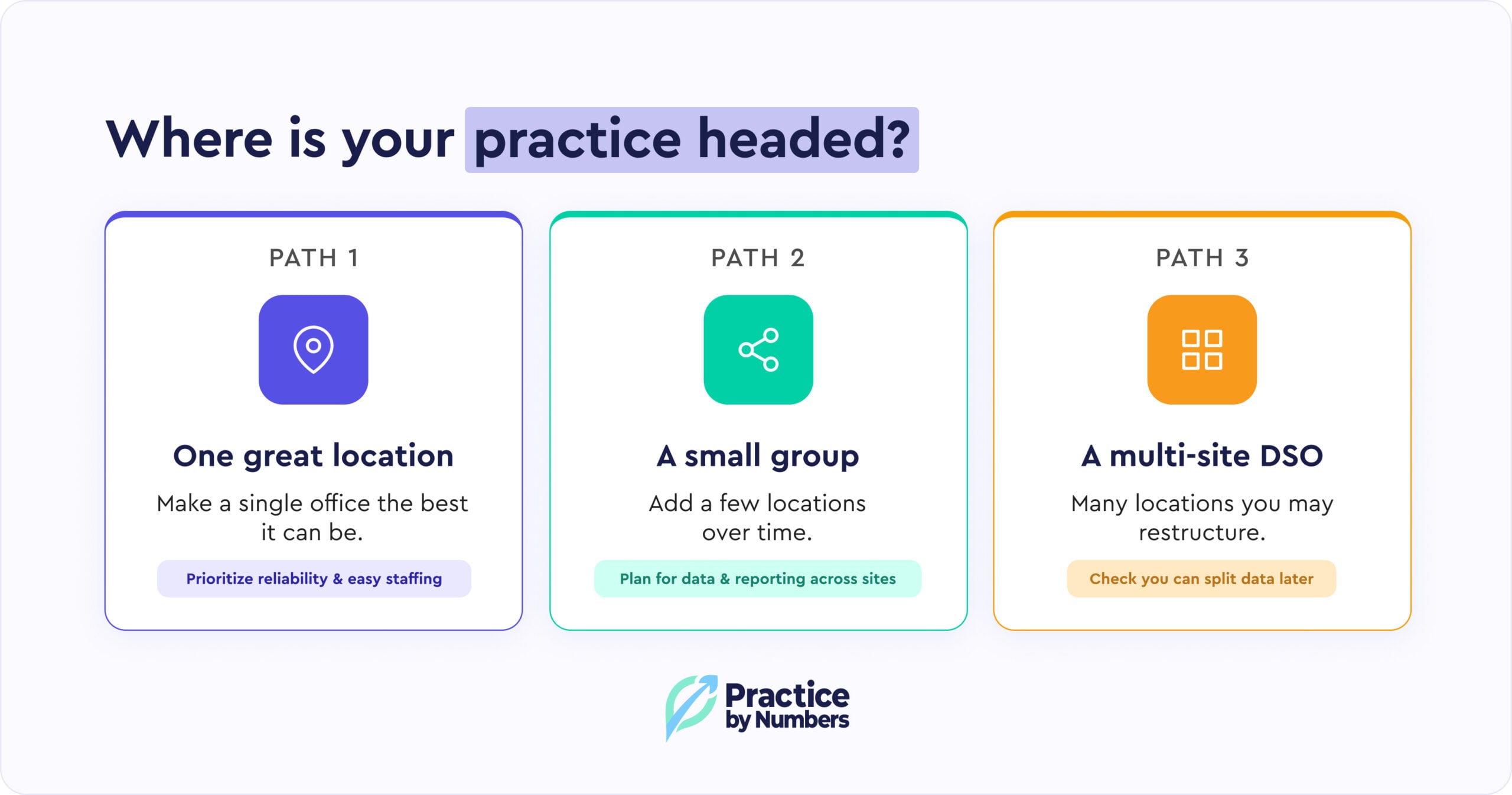
“It’s very important to understand what is the vision for your practice. Are you wanting to buy this one practice and then maybe add more practices down the road and be a mini group or DSO? Or are you the kind of person who says, I want my one practice, and I want to make it the greatest I can.”
– Andre Shirdan
Those are different practices with different software needs. A single owner running one location well wants reliability and speed. An owner planning to add four locations in five years needs to think about how data, reporting, and providers work across sites from day one. The feature comparison only makes sense once you know which path you’re on.
If You’re Staying Focused on One Great Practice
For a solo or small practice, the priorities are simple: a system that runs the day reliably and one your team can staff easily.
Andre makes the case for proven systems on both counts. They hold up, and they have a large pool of people who already know them. When you need to hire a front desk lead, someone who can start on a familiar system in days instead of weeks is worth a lot. He runs the range himself: “I’ve got practices from two operatories to twenty-six operatories. Nothing wrong with that.” Direction is what decides the software.
If You’re Heading Toward Multiple Locations
This is where the vision question earns its keep, because a system built for a single practice can struggle as you grow, and Andre is honest about it.
“Eaglesoft is not great with multi-location practices. I’ll give you that. There are some options, but it’s not the best for that.” His car comparison lands here too: “They’re a Toyota Camry, they’re not a Limo, they’re not a Minivan. They can’t hold all that.”
– Andre Shirdan
The harder problem comes later. “A lot of the time, an associate will buy out an individual location, and you can’t split out those databases.” Andre explains. If your future includes spinning off a location to a partner, a single shared database becomes a genuine problem. He advises some clients against a multi-site setup for exactly this reason: “That future might be one of these offices spun off to somebody else, and they don’t need a multi-site location software. It depends.”
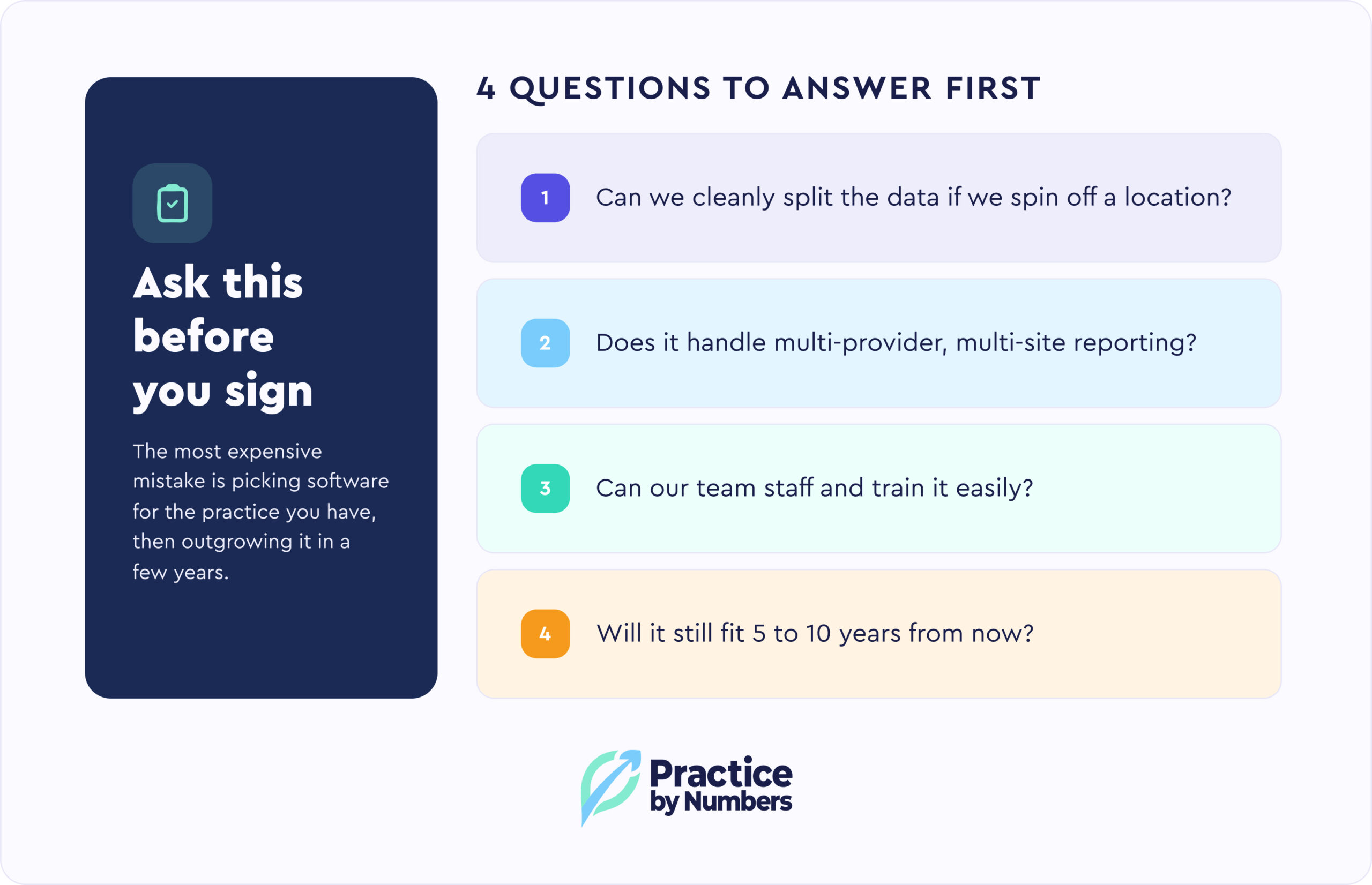
If a group or DSO is on your horizon, ask a hard question before you commit: when we eventually restructure, sell, or spin off a location, can we cleanly separate the data? If the honest answer is no, factor that in now.
New Owners, It’s Normal to Underthink This
If you’re a new grad or first-time buyer and none of this was on your mind, you’re in good company. Dr. Aditi Agarwal was candid about her own start.
“That was farthest from my mind when I opened my practice. I was like, okay, what’s the cheapest and easiest to use? And what have I used before that I think I can fit in with the least amount of headaches for myself?”
– Dr. Aditi Agarwal
That instinct is a fine start. Cheap and familiar are reasonable filters for your first system. Add one more: does this still make sense if the practice grows the way I’m hoping it will?
Choose for Now and for Later, Then Reassess
Look a few years out, even if you can’t predict the next 20.
Dr. Agarwal’s rule is practical: pick something that meets your needs now and has a real shot at meeting them 10 years out, then reassess at that point. “You get certain mileage out of it. Then maybe it’s time to upgrade. Or maybe not. At least you start somewhere where things seem manageable before you jump straight in.”
And when you do inherit a practice with software you’re unsure about, do the homework before you rip anything out. As Dr. Agarwal put it, the platforms that have powered dentistry for years earned that position for a reason. Look at whether they meet your needs now and later before assuming you need something else.
Where a Separate Layer Fits
One more thing the vision question clarifies: what your core software should do, and what belongs in a separate tool on top.
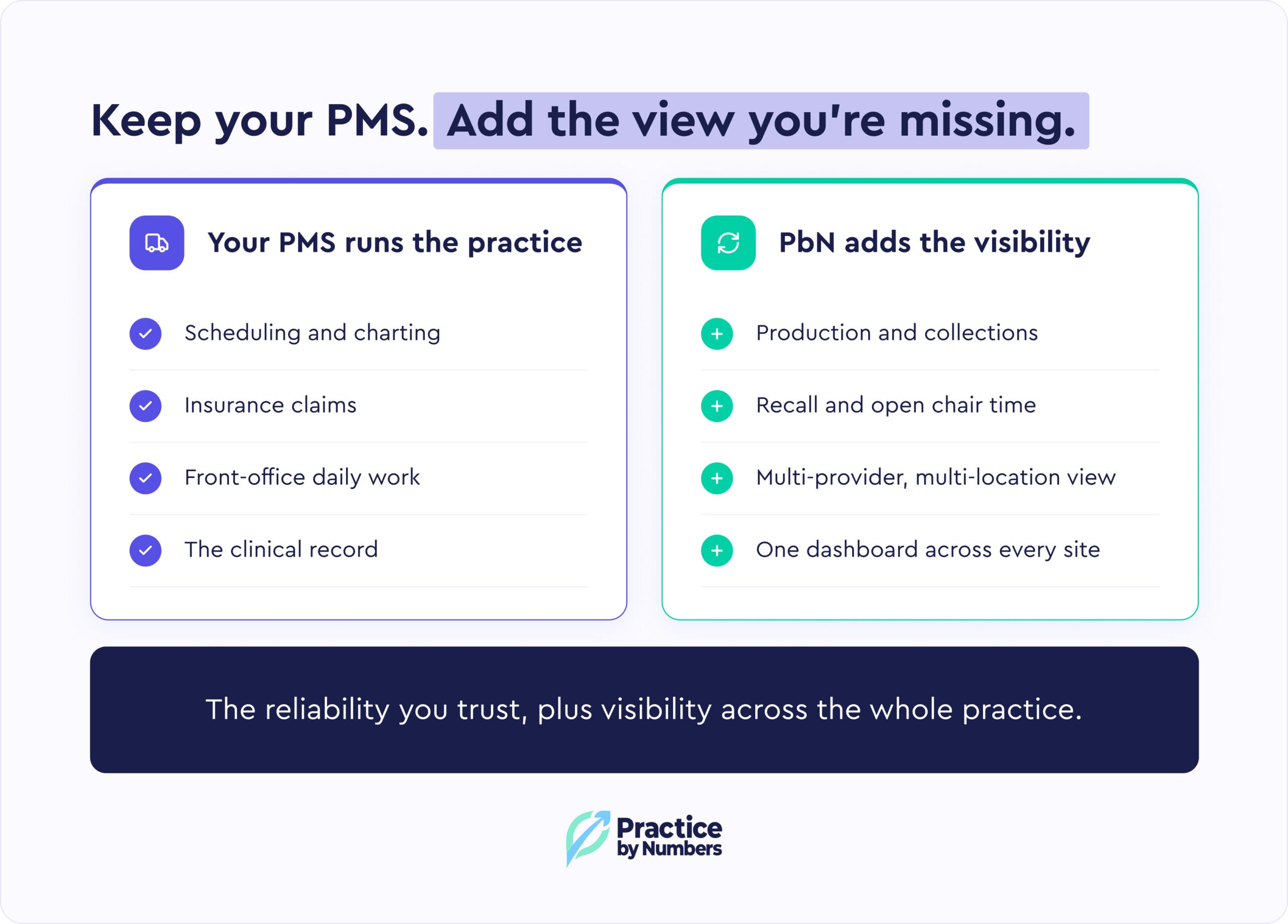
A practice management system is built to run the clinical and front-office work of your practice. When you grow past what it was designed for, especially visibility across providers or locations, that’s often a job for a connected reporting layer rather than a reason to replace the system your team knows. As Andre and Dr. Agarwal discussed, third-party software can extend what your core system does well, so you keep the reliability you trust and add the view you’re missing.
The point is to be deliberate. Know what your core system is for, know where it stops, and choose the pieces around it on purpose.
The One Question, Again!
Before you compare a single feature, answer this: where is this practice going?
One great location, a small group, or a multi-site organization you’ll one day restructure. Your honest answer tells you which system fits, what to check before you sign, and where you’ll need help later.
Pick the software for the practice you’re building toward.