Andre Shirdan has spent 40 years helping dental teams use their software better. His whole mission, through his company The Crew Process, comes down to one idea he shared on the Practice Pulse podcast with Dr. Aditi Agarwal.
“If they can squeeze more out of the software where they’re not working harder but just working smarter, that’s what I try to do on a daily basis.”
– Andre Shirdan
Most practices have far more capability in their system than they use. No one ever showed the team the faster way. Here are the wins Andre goes after first, and none of them require buying anything new.
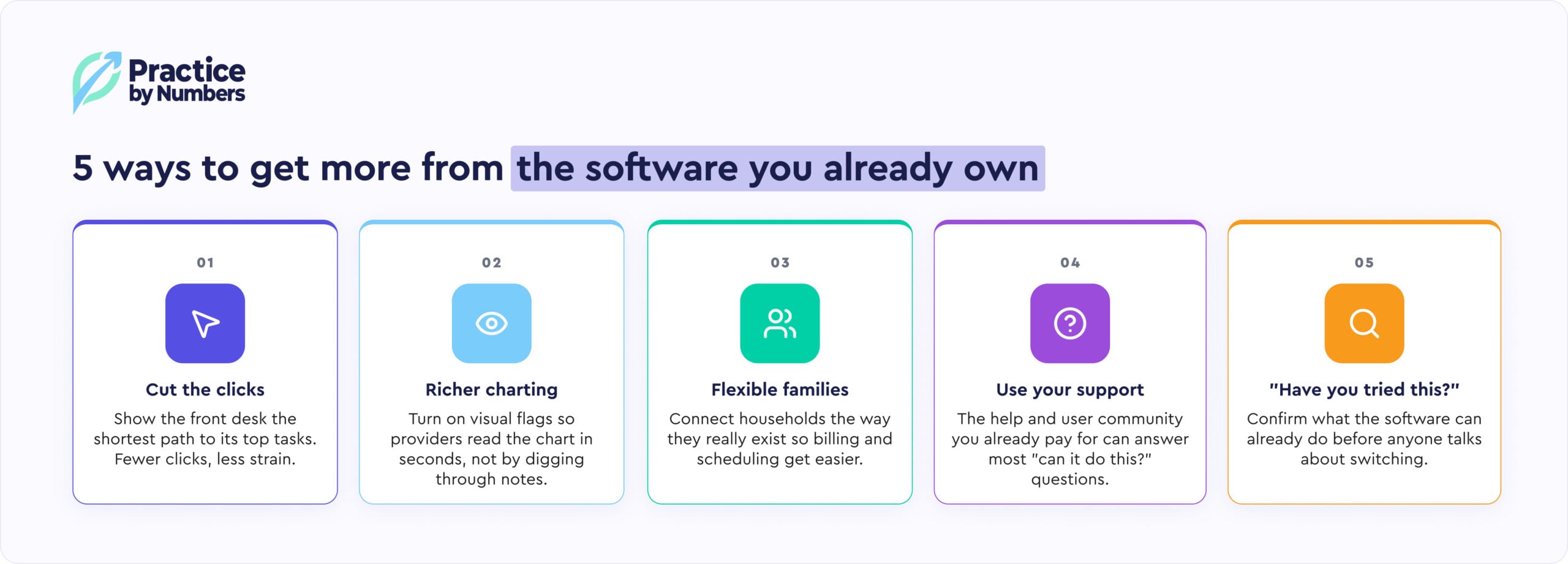
Cut the Clicks
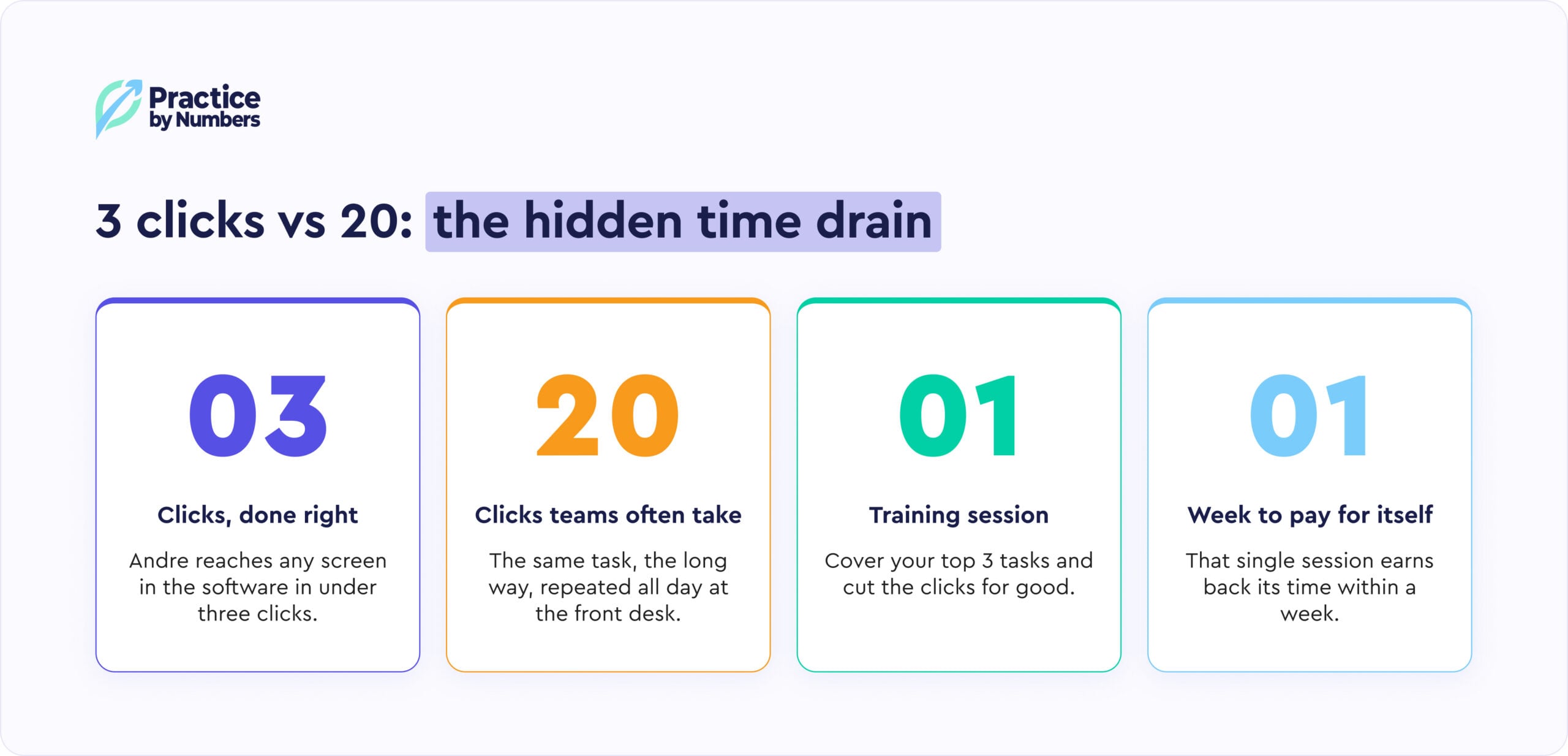
The clearest sign a team is underusing its software is how long routine tasks take.
“I can get from any place to any place else in the software in less than three clicks, and I see people taking twenty to do it.”
– Andre Shirdan
Twenty clicks to do a two-click job adds up. Over a full day at the front desk, it’s real time lost and real strain on the person doing it. Andre has watched it turn into injuries:
“Those twenty steps have stacked up to somebody who has carpal tunnel at this point.”
The fix is small and fast. Pick the three tasks your team does most (scheduling, checking eligibility, posting a payment) and have someone who knows the software well show the shortest path to each. Dr. Aditi Agarwal described the reaction on the episode: the little button shift or hidden path that someone didn’t know existed, and the light-bulb moment when they see it. “I take twenty steps when you just showed me I can do it in two.” That single session can pay for itself in a week.
Make the Chart Show More at a Glance
Charting is where a lot of practices underuse the software most. Andre points to a simple upgrade most Eaglesoft users have never turned on, even though it’s been available since version 9.
The idea is to make the chart carry more visual information. A small oval to flag a supernumerary tooth. A marker for something the office is watching. Little cues that let a provider read the chart in seconds instead of digging through notes.
Andre’s own description says it best:
“It could be more like Google Maps versus the old MapQuest. Instead of this piece of paper that we print and put into a chair, this is now showing us that there’s traffic.”
A living chart that shows what’s happening beats a static printout, and the capability is already in the software most practices own.
If you’ve never adjusted how your chart displays clinical flags, that’s a quick conversation to have with your trainer or support team.
Set Up Families the Way Real Families Work
Front desk staff loses time working around record structures that don’t match real life. Andre calls flexible family setup the thing he values most in Eaglesoft, precisely because so many systems get it wrong.
“I can connect bio dad to stepmom to adopted child to grandmom who lives in a nursing home. And they can all be a family within Eaglesoft. And I can make those connections at any point and disconnect them at any point.”
– Andre Shirdan
The alternative, where the responsible party has to be the policy holder and the structure is rigid, is what he calls “terrible user design.” Patients don’t come in tidy nuclear units. When your software lets you model households the way they actually exist, billing, communication, and scheduling all get easier. If your team is working around your system’s family rules, check whether the flexibility is already there.
Use the Support and Community You’re Already Paying For
Andre is direct about a habit that costs practices real money: not using the help that’s already included.
“Eaglesoft has fantastic support. Sometimes it’s just inertia of actually using the support.”
– Andre Shirdan
Beyond official support, there’s the user community. For 10 years, Andre has run the Eaglesoft Field Guide, a place where users answer each other’s questions, especially for work that falls outside the usual workflow. His example: doctors doing biologic dentistry or zygomatic implants, who need to adapt the software to a workflow the manual never covered.
“I become the resource of here’s something that we do different and how we can implement that here.”
– Andre Shirdan
The lesson holds for any system, not just Eaglesoft. Before you assume your software can’t do something, ask support and ask other users. The answer is usually a setting you haven’t found yet.
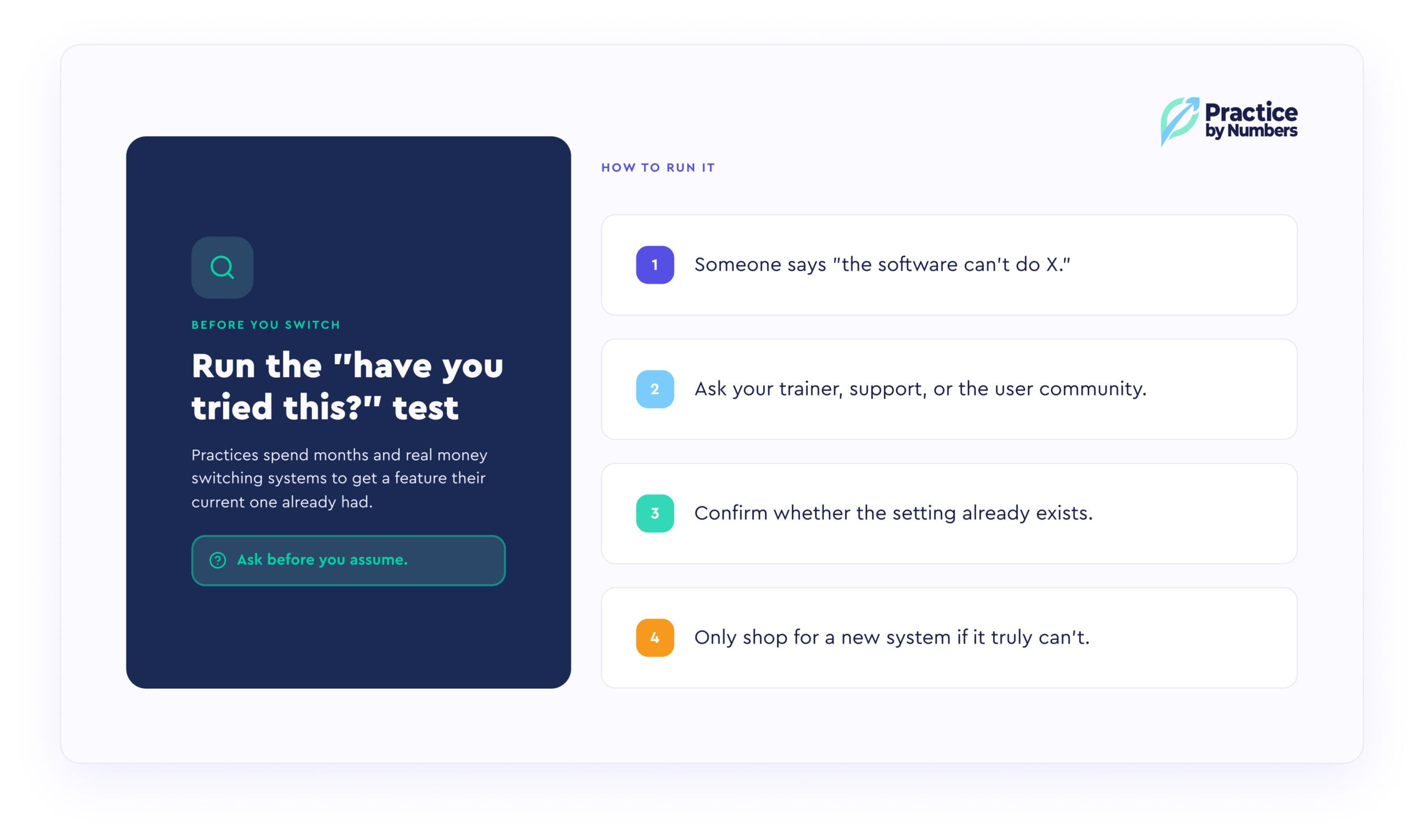
The “Have You Tried This?” Test
Put those habits together, and you get Andre’s single most valuable move: checking what the software can already do before deciding it can’t.
He sees practices ready to spend months and real money switching systems over a capability their current one already had.
“When they see that they can do it, they realize, wow, I almost made this huge investment in time and effort on a new software where it already did what I wanted to do, but I just didn’t know it could.”
– Andre Shirdan
Make “have you tried this?” a standing question in your office. Anytime someone says the software can’t handle a task, confirm with an expert before you consider switching.
Get the Whole Team on the Same Page
The reason Andre’s company is called The Crew Process is that the real gains come when everyone works the same way.
“What I do is I try to get everybody on the same page. If everybody’s doing everything on the same stroke, the same way, then the success of the practice can be measured.”
– Andre Shirdan
That last part matters for owners. When your team uses the software consistently, your reports mean something. You can watch production climb, collections improve, and accounts receivable drop, and trust the numbers because everyone entered them the same way. Andre’s whole standard for good software is right there: you get more out, and you don’t feel like you worked harder to get it.
Where to Start This Week
You don’t need a new system to run a better practice. Pick one thing. Shadow your busiest front desk task and cut the clicks. Turn on richer charting flags. Fix one family record that never fit. Then make “have you tried this?” the rule before anyone talks about switching.
The capability is usually already sitting in the software you own. Someone just has to show the team where it lives.